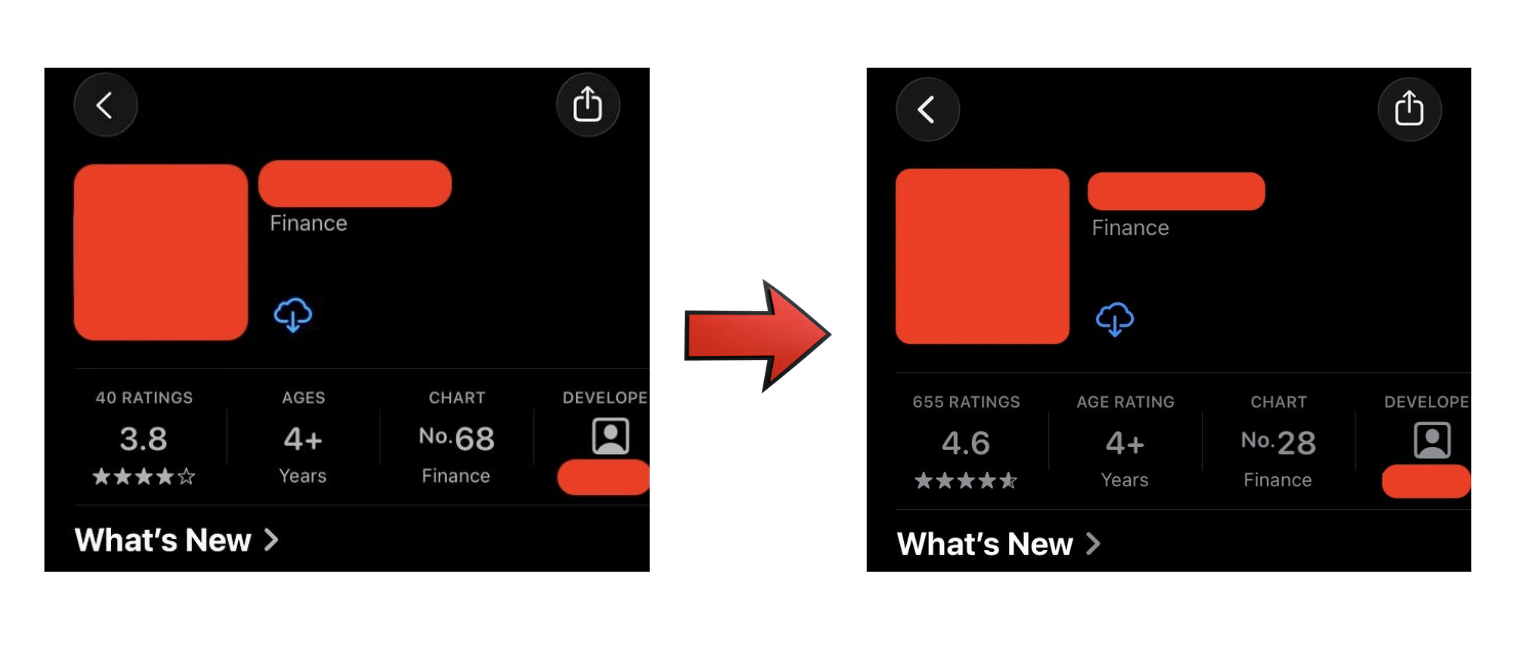
3 Lines of Code Took My App from 3.8 to 4.6 Stars
Hello.
I’m an iOS developer. I work on a banking application. In this article, I’m going to share how I increased the app’s rating from 3.8 to 4.6.
My app was stuck at 3.8 stars for almost a year. Then I decided to improve the rating. I shipped new features, fixed some bugs, and redesigned some screens for a couple of months — but the rating didn’t change at all.
Then this question came to my mind: who actually leaves a review?
Think about it for a second. When was the last time you opened an app, did the thing you came to do, it worked perfectly, and then you went out of your way to leave a five-star review?
Probably never.
Happy users just close the app and move on. The people who go hunting for the review screen are the ones who are annoyed. Something was slow, something broke, or they got logged out at a bad moment. Anger is a great reason to go find the review box. “Everything worked fine” is not.
So my 3.8 wasn’t the average opinion of my users. It was the average opinion of my most annoyed users. So I decided to get the happy ones to actually say something — and I did it with these 3 lines of code that didn’t touch a single feature or fix a single bug:
guard let scene = UIApplication.shared.connectedScenes
        .first(where: { $0.activationState == .foregroundActive }) as? UIWindowScene else {
    return
}
SKStoreReviewController.requestReview(in: scene)
This is the code that does all the work. It shows the rating prompt without making users leave the app.
The key thing here is that you have to show it to happy users. If you want to hear from happy users, you have to catch them while they’re happy.
In my case, that was: 1) after a successful transaction, 2) after a successful payment to a service, and 3) after a successful investment or deposit.
I added the review request to these cases, and over the next few weeks the rating climbed from 3.8 to 4.6.
You call it after every successful operation, but Apple decides when to actually show it. According to Apple’s documentation, the prompt appears at most 3 times per year per user. You don’t have to handle that — Apple does it for you. You just have to call it at the right time.
Originally published on Medium.